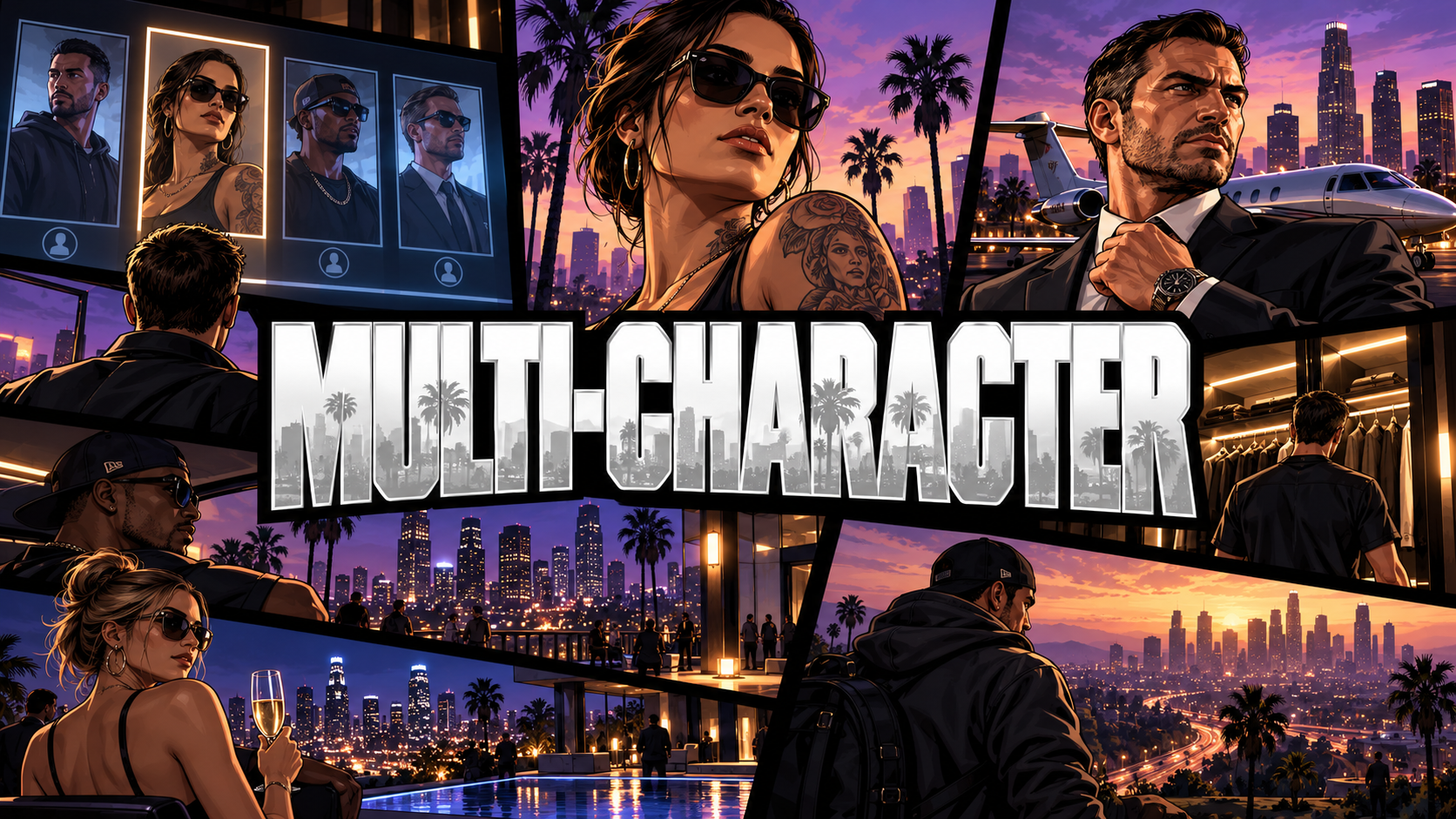
INF Multi-Character
Most multi-character scripts give players a menu.
INF Multi-Character gives them an opening scene.
Cinematic cameras. Real locations. Character vehicles. Gang status. Criminal history. Companion integrations. Custom atmosphere.
QBCore • CINEMATIC SELECTOR • CHARACTER CREATION • VEHICLE DISPLAY • ECOSYSTEM INTEGRATIONS
YOUR CHARACTER IS ALREADY IN THE WORLD
Players do not select characters from a blank menu.
Their character stands inside a real location while the camera drops into the scene, music fades in, and cinematic framing sets the tone before gameplay begins.
Choose the location, weather, time, audio, animations, letterboxing, vignette, and film grain.
The login screen becomes part of the server.
CINEMATIC CAMERA SYSTEM
Players can switch between eight camera styles:
- Orbit
- Portrait
- Full body
- Low angle
- High angle
- Dutch tilt
- Dolly push
- Profile
A slow idle orbit keeps the scene moving while they decide.
Two entry styles control how gameplay begins: a ground wake-up or cinematic push-in reveal.
CHARACTER CREATION
Handle the entire character flow in one place.
- Configurable character slots
- Character creation
- Type-to-confirm deletion
- Configurable starter items
- Last-location spawning
- No separate spawn selector required
Players choose their character and return directly to where they left off.
YOUR VEHICLES JOIN THE SCENE
Owned vehicles can appear directly behind the character.
Not generic previews.
Their actual vehicle.
Saved model. Saved color. Saved modifications.
Players can cycle through their fleet directly from the selector.
YOUR CHARACTER’S STORY
INF Multi-Character can pull data from the wider Infamous ecosystem.
INF Dog
Display the player’s owned dog beside them.
INF Trap Queen
Load their companion into the scene in her saved outfit.
INF Hoods
Show gang name, rank, logo, and gang color.
INF Trap
Display dealer tier and reputation progression.
INF Law
Show wanted level, charges, warrants, parole status, and fugitive information.
The selector becomes a snapshot of who that character has become.
CLEAN, CUSTOM UI
The interface is built around the scene instead of covering it.
Configure:
- UI colors
- Camera behavior
- Scene location
- Animation pool
- Weather and time
- Music
- Visual effects
- Starter items
- Ecosystem integrations
Full hex theming lets the selector match the rest of your server.
COMPATIBILITY
Framework
- QBCore
Inventory
- qb-inventory
- ox_inventory
Clothing
- op-clothing
- illenium-appearance
- rcore_clothing
- qb-clothing
Required
- qb-core
- ox_lib
- oxmysql
INCLUDED
- Cinematic character selector
- Character creation
- Eight camera modes
- Wake-up sequences
- Scene customization
- Vehicle display
- Ecosystem integrations
- Full UI theming
- Starter item configuration
- Open config.lua
Your players already know who they are logging in as.
Now the server shows them who that character has become.
Tags: FiveM, QBCore, Escrow